
Ask b and Report to b
b lives inside bWalletX. Tap b and ask in your own words. b can explain a payment, help you send (nothing goes until you confirm), set up a pot, or look into a problem with you.
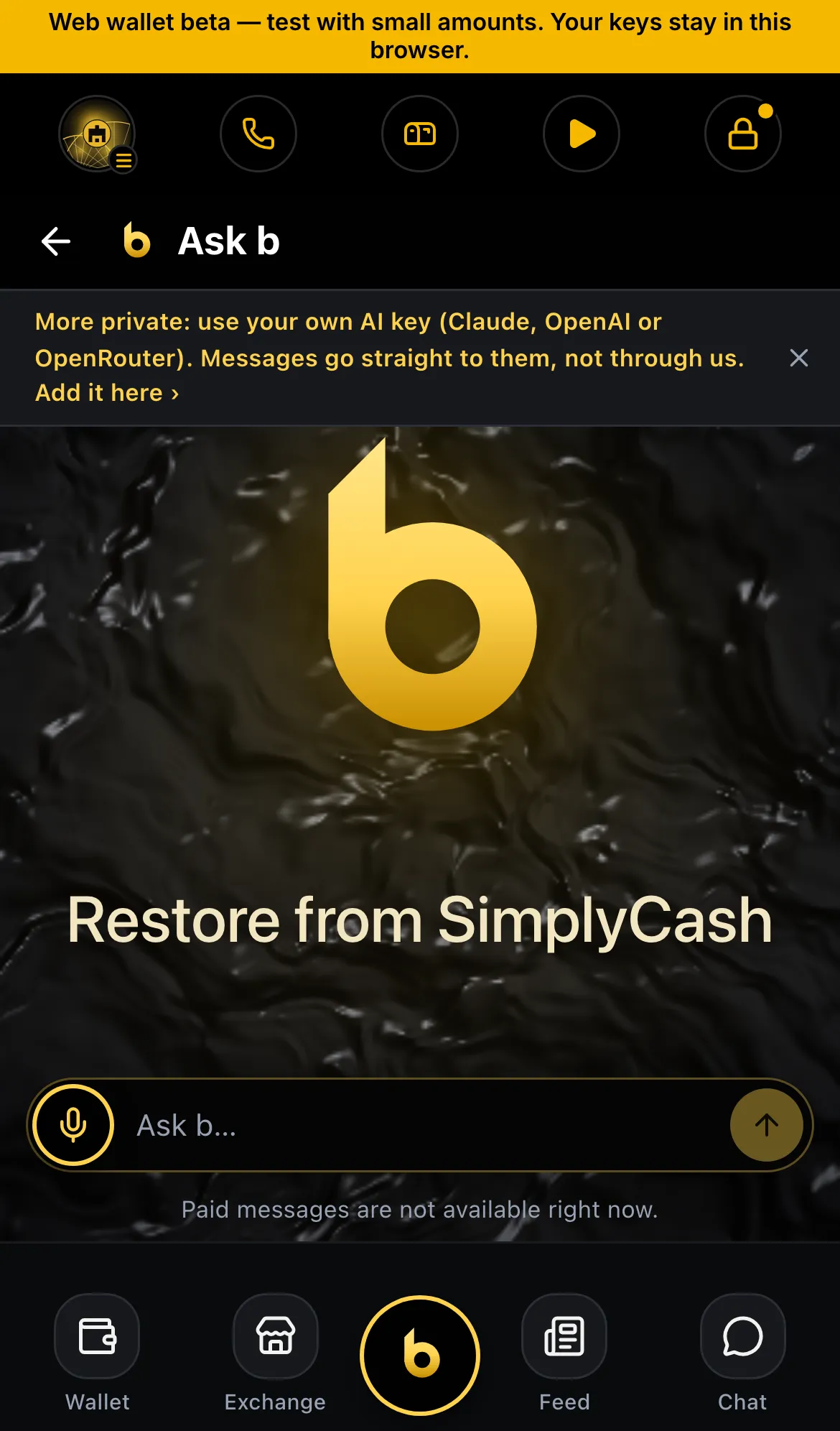
b runs on paid messages (about a penny each, shown before you pay) or on your own AI key, which you add in Settings › b agent. In bWallet, the store edition, b answers only with your own key.
Also at desktop.bwalletx.com/ask-b and bchatx.com/ask-b.
Report to b
Section titled “Report to b”Every error in bWalletX has two buttons: Copy and Report to b.
Report to b sends the error to the team’s bug log: the message, the screen, the app version and the time. Before anything is sent, recovery words, private keys, passwords and balances are removed. The bar then shows:
✓ Reported to b · Ref F-12 Sorry about this. We’re looking into it.
Keep the reference if you write to support@bwalletx.com.
Report to b doesn’t guess at causes. For what a message means, see Error messages.
Status
Section titled “Status”- ✓ Ask b in the apps, desktop and bChatX
- ✓ Paid messages or your own AI key
- ◻ Report to b with a reference (next release; until then the button opens b)