
NFTs and collectibles
bWalletX holds 1Sat Ordinals: NFTs that each live in a single satoshi on the Bitcoin SV chain. Images, music, video, receipts and collectibles all show in your wallet’s NFTs view.
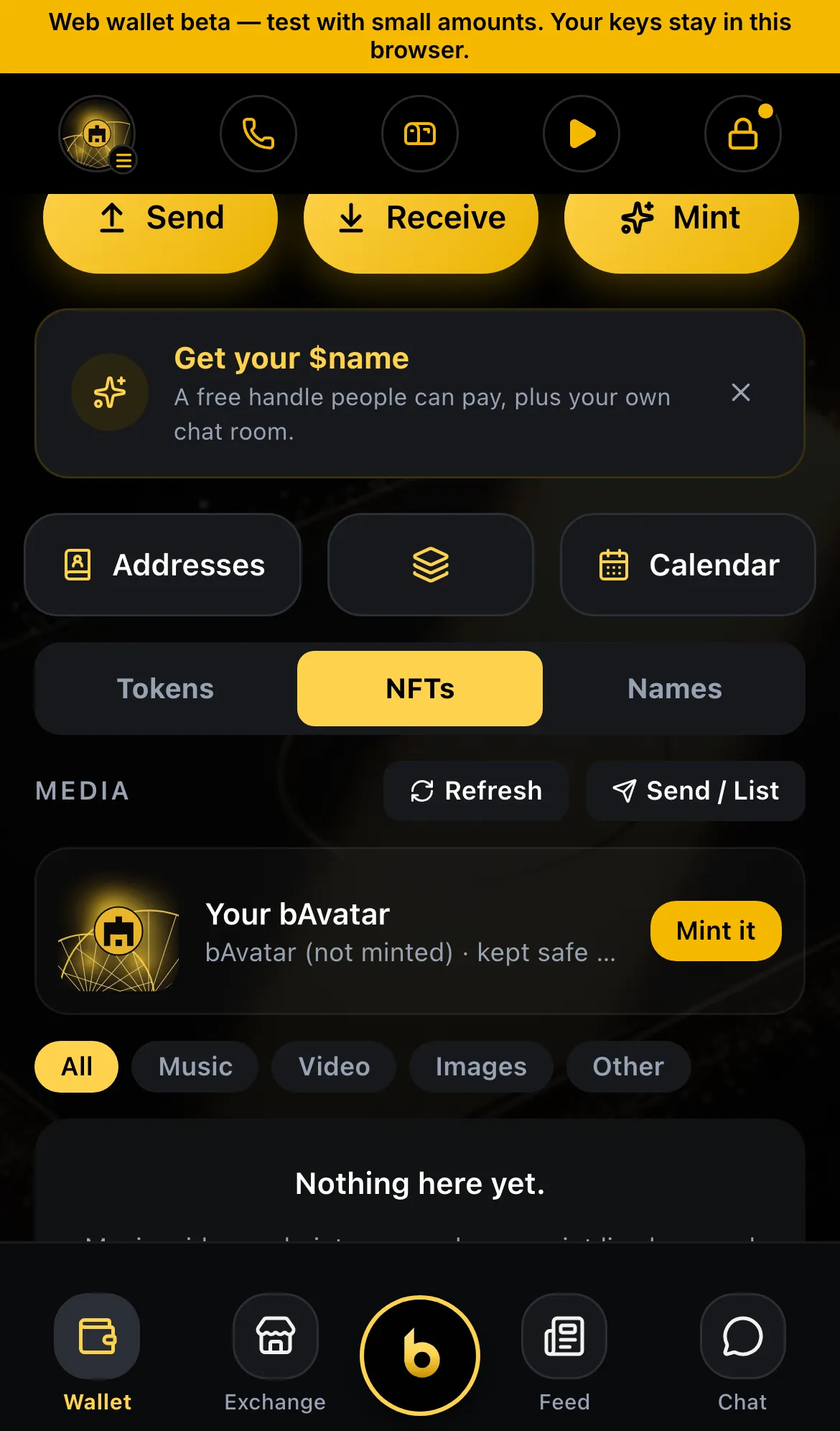
See your NFTs
Section titled “See your NFTs”Open the Wallet tab and choose the NFTs filter. Tap one to open it full screen with its details: name, collection, who made it, and its on-chain ID.
A safety filter blurs anything flagged as unsafe. Tap to reveal your own items.
Play music and video
Section titled “Play music and video”Music and video NFTs you own play in the media player. Start one and keep browsing: a mini player stays at the bottom of the screen.
Receive an NFT
Section titled “Receive an NFT”Share your paymail, your $handle or your ordinals address (on the Receive screen). NFTs sent to you appear under NFTs.
Unsolicited NFTs land in the Airdrops inbox first: Keep or Hide (Tokens › Airdrops inbox).
Send an NFT
Section titled “Send an NFT”- Open the NFT and tap Send.
- Enter a bWalletX name, a paymail that accepts ordinals, or an ordinals address.
- Confirm on the approval sheet.
HandCash names are refused for NFTs, because HandCash doesn’t receive ordinals there. The wallet tells you so before anything is sent.
Use an NFT as card art
Section titled “Use an NFT as card art”Put any NFT image you own on your wallet card:
- Open Theme.
- Choose the card, then pick an NFT from your collection.
Receipts
Section titled “Receipts”Purchases from the bWalletX Store come with a receipt NFT in the same transaction: a card printed with the shop’s own art, the item, the price and the date, signed by the Store. Open it to see Verified receipt ✓. For a theme, the receipt also has a Use the theme button (Themes, Store and receipts).
Old RelayX NFTs
Section titled “Old RelayX NFTs”RelayX NFTs (Run “jigs”) are a different kind of NFT. See Recover RelayX collections.
Per edition
Section titled “Per edition”Viewing, playing, sending and receiving NFTs work in both editions. Selling NFTs on the Market is in bWalletX (Market).
Status
Section titled “Status”- ✓ Live: view, send and receive 1Sat NFTs
- ✓ Live: media player with mini player
- ✓ Live: NFT as card art
- ✓ Live: airdrops inbox and safety filter
- ◻ Next release: receipt NFTs with Verified receipt ✓ and Use the theme
- ◻ Coming: an NFT as a pack that grows: card, screensaver, background, playing card