
Send and receive
Receive
Section titled “Receive”Give people your name, $you (short for you@bwalletx.com), or your address from the Receive screen. Payments go straight to your keys.
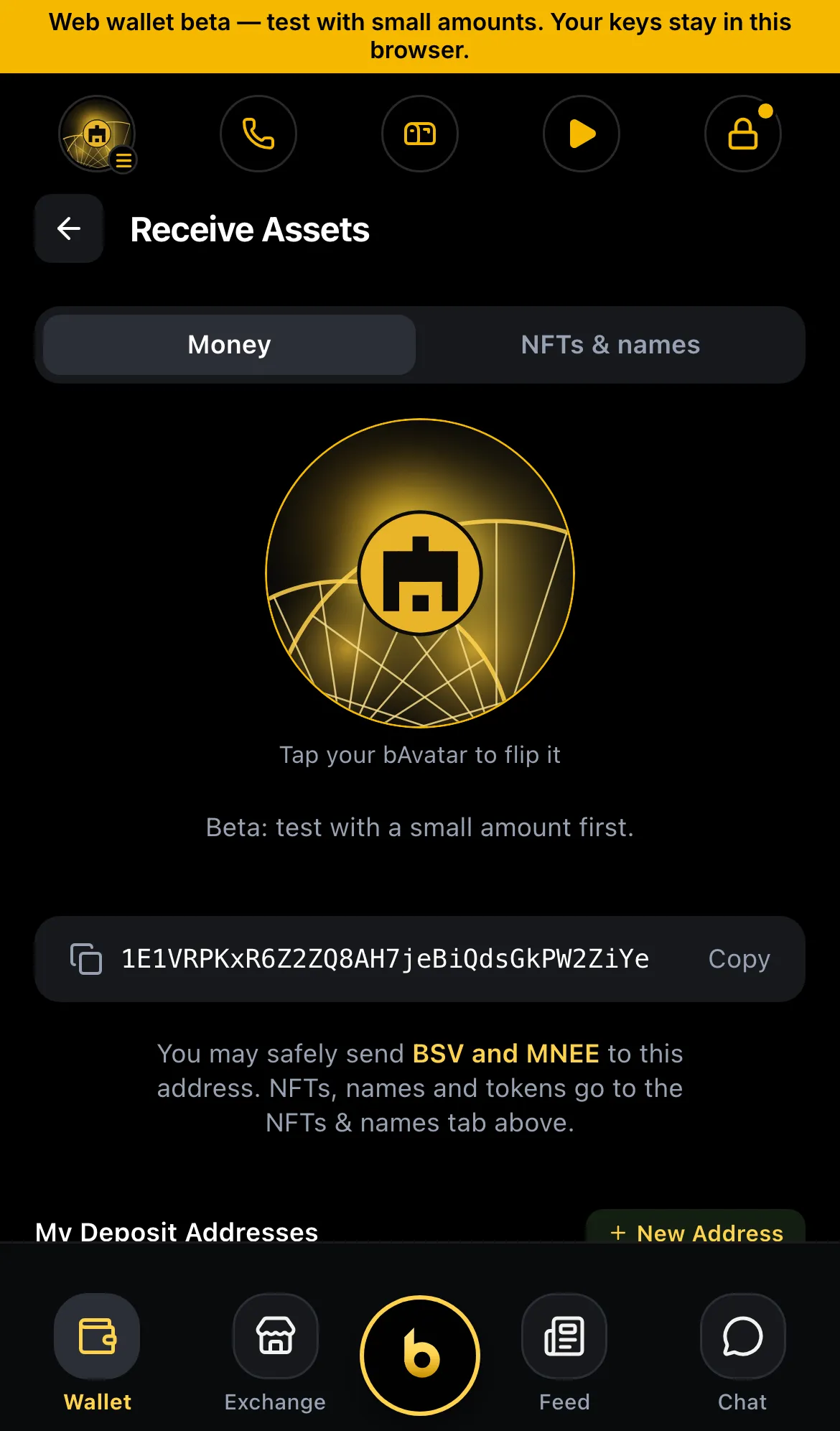
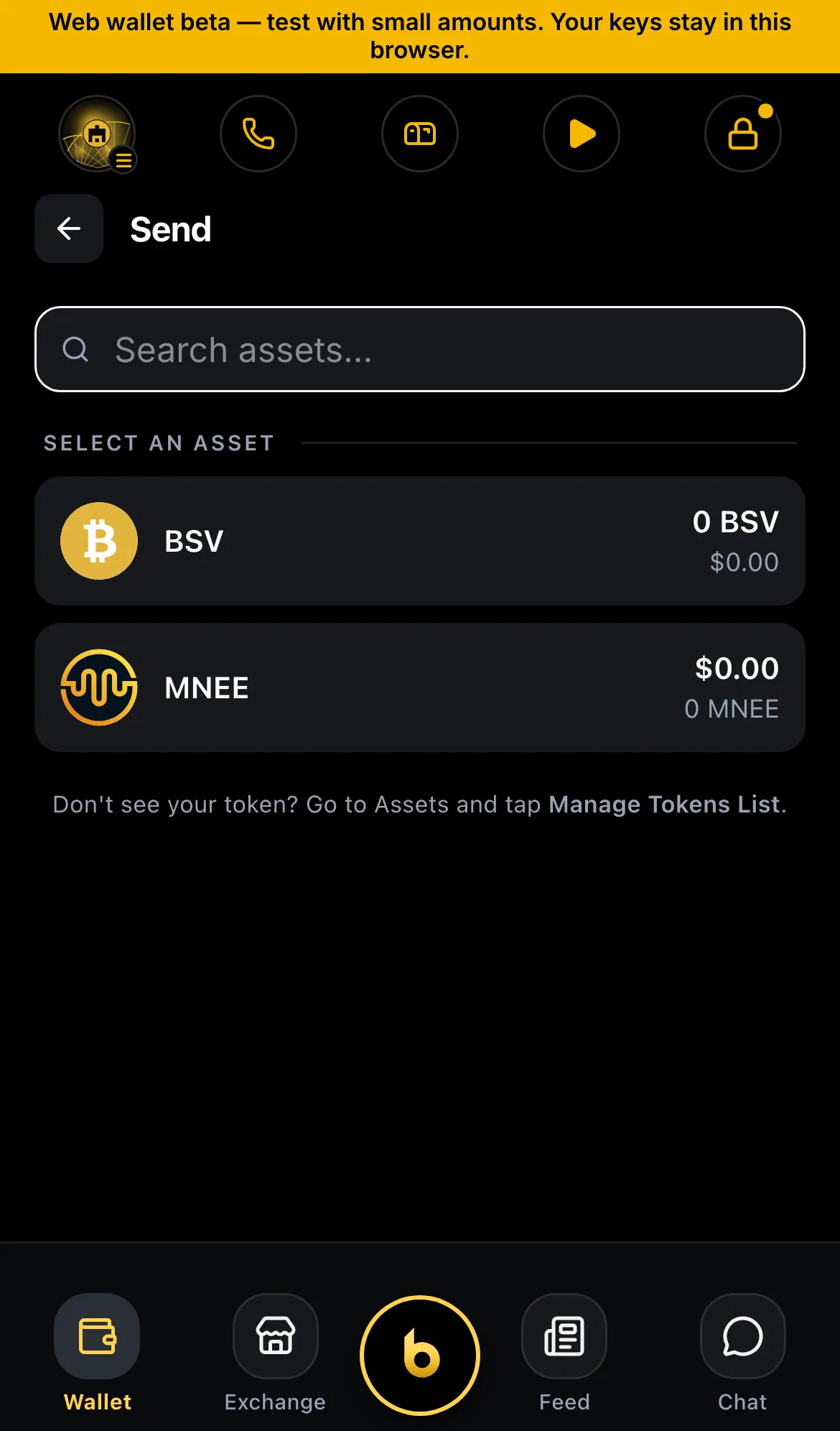
You can pay:
- A bWalletX name:
$aliceoralice@bwalletx.com. Before paying, the wallet checks the name is signed by its owner. - Any paymail: for example a HandCash or other paymail address.
- A BSV address: starts with
1.
Check the amount and recipient on the approval sheet, then confirm. Nothing is sent until you do.
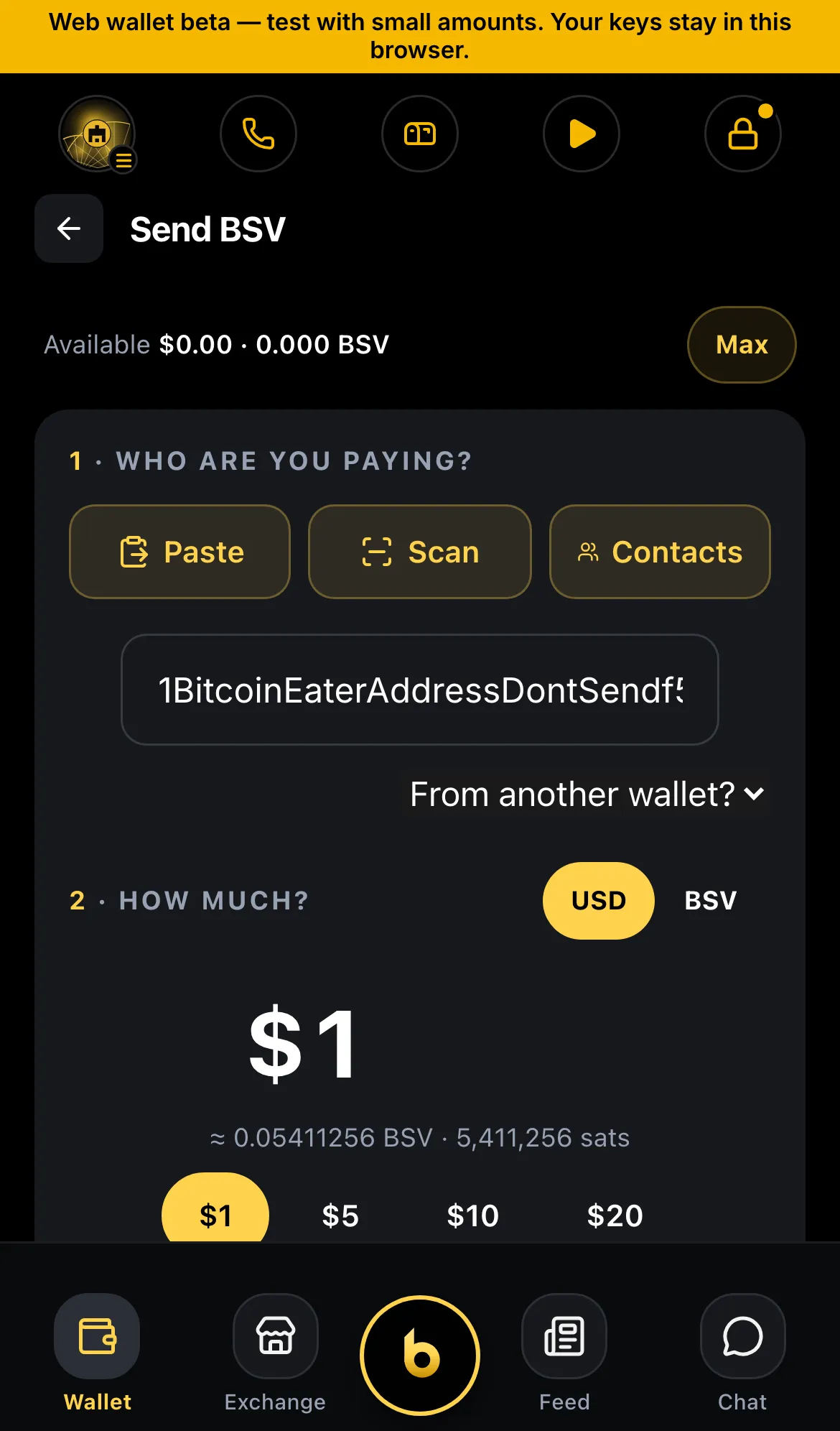
Each payment pays a small network fee, usually well under a cent. It is added on top of the amount you send, so if your balance is exactly the amount, the payment can come up a few sats short. See Insufficient funds.
Store prices are different: a $1 theme costs $1 in total, because the network fee is already inside the price. With exactly $1 in your wallet, you can buy it.
If a send fails
Section titled “If a send fails”The wallet tells you why. Look up the message in Error messages. If nothing there fits, tap Report to b on the error (next release) or email support@bwalletx.com.
Status
Section titled “Status”- ✓ Pay names, paymail and addresses
- ✓ Name signature check before paying
- ◻ The network’s own reason on a refused send, with spent coins cleared on their own (next release)