
Back up and restore
Your recovery words
Section titled “Your recovery words”When you create a wallet, bWalletX shows you 12 recovery words. They are the wallet. Anyone with them can spend your money, and without them nobody, us included, can get it back.
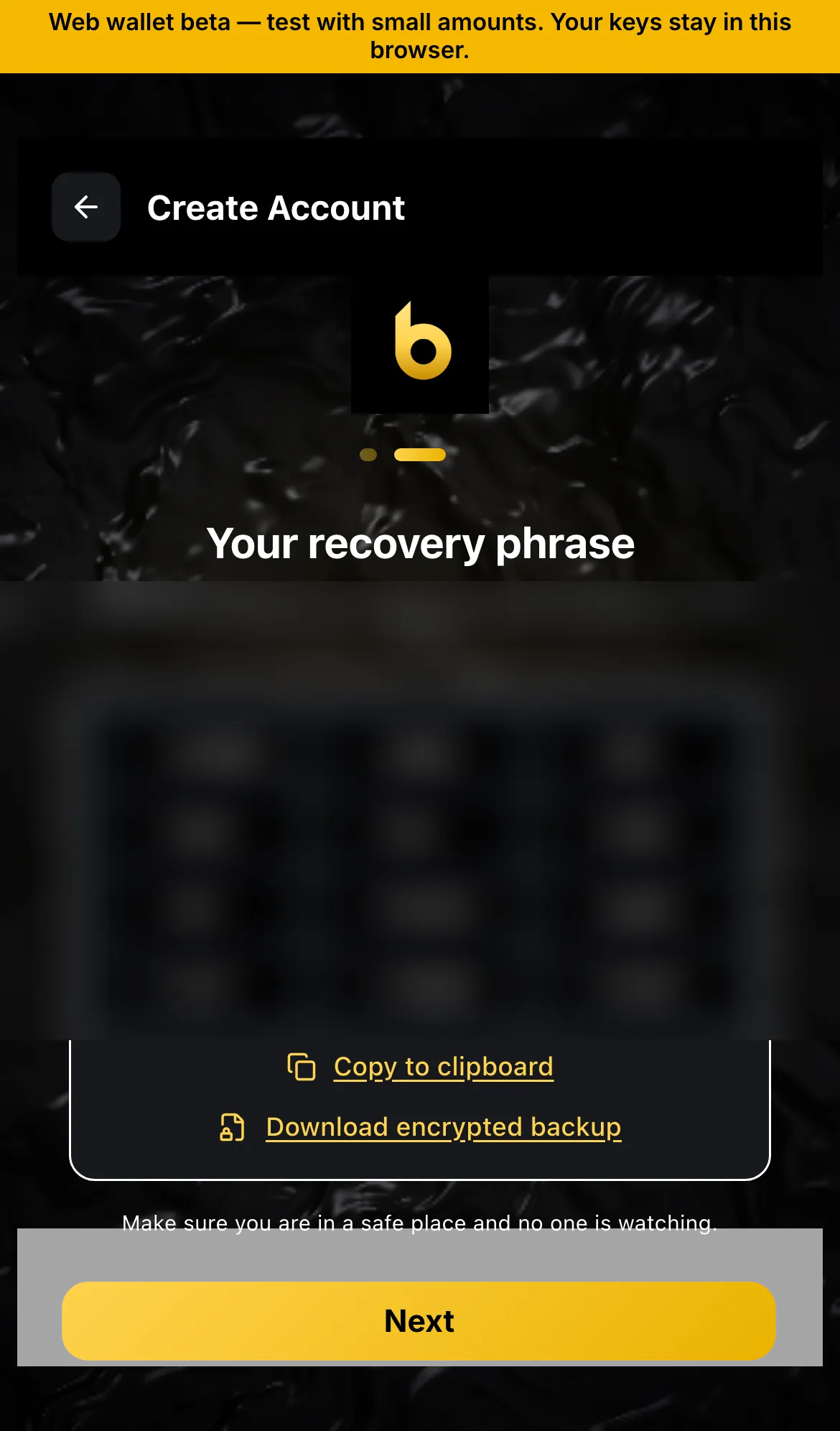
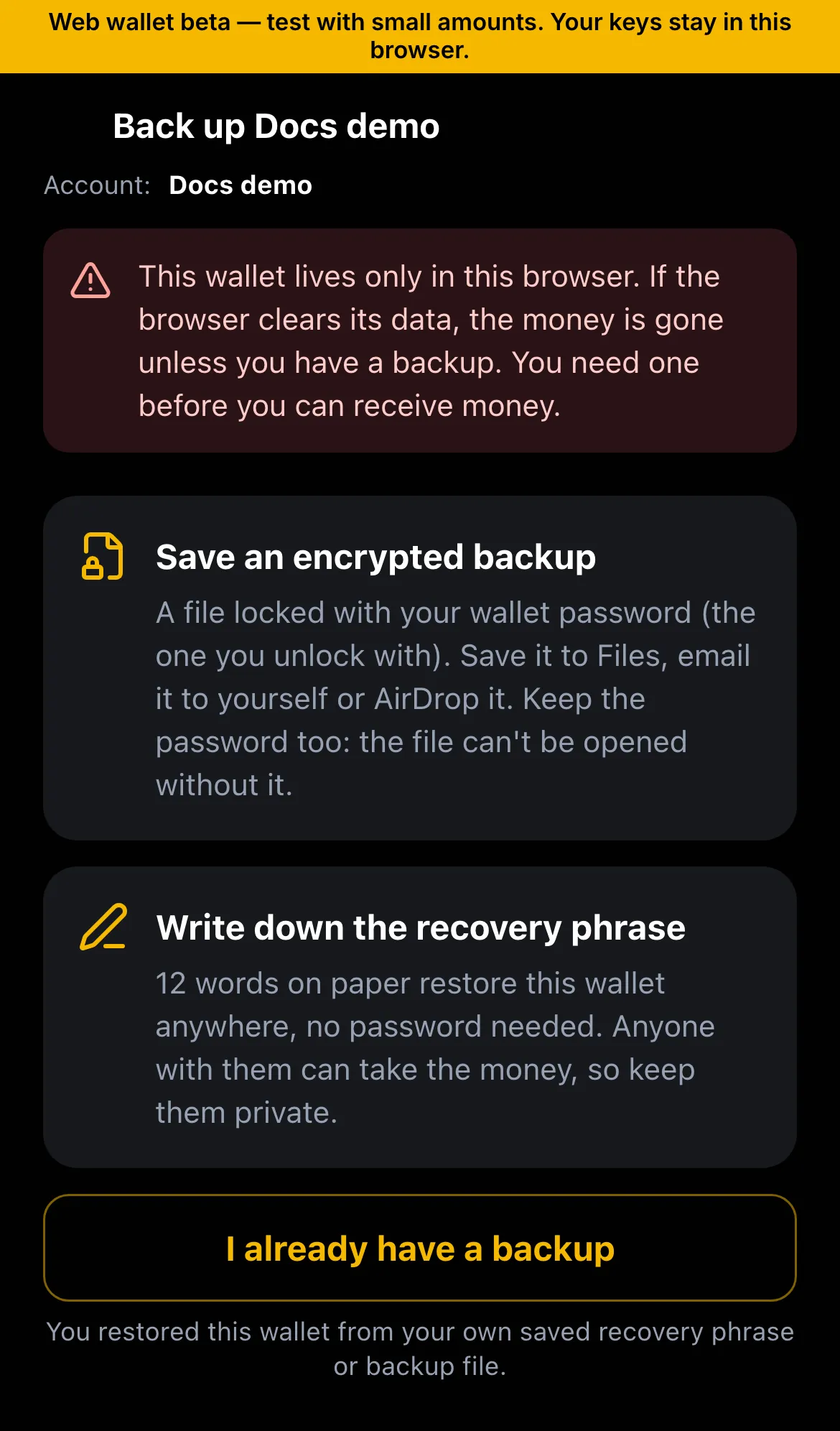
- Write them on paper. Keep them somewhere safe and private.
- Never type them into a website, a chat or an email. bWalletX staff will never ask for them.
- The app keeps your keys encrypted with your password on the device (the iOS Keychain or Android Keystore). They are not in iCloud or Google backups.
A new phone or computer
Section titled “A new phone or computer”Install bWalletX on the new device and choose Restore. Enter your 12 words. Your coins, tokens and names come back, because they live on the chain and in your keys, not on the old device.
Bring in an old wallet
Section titled “Bring in an old wallet”Old BSV wallets still work with their 12 words. bWalletX can restore one as an account (same keys, nothing moves), or sweep it into one of your accounts (new transactions, a small network fee).
| Wallet | How |
|---|---|
| bWalletX, Yours, Panda | Restore as an account |
| RelayX | Restore as an account (payment m/44'/236'/0'/0/0, ordinals m/44'/236'/0'/2/0) |
| Twetch | Restore as an account |
| SimplyCash, Money Button, other BIP44 wallets, an xprv | Sweep |
| A single private key (WIF) | Restore or sweep |
| bWalletX master backup or USB key | Restore the whole wallet |
The full table, with paths, is at bwalletx.com/restore.
Status
Section titled “Status”- ✓ Recovery words, restore on a new device
- ✓ Restore and sweep from the wallets above
- ✓ Master backup file and USB key