
Themes, the Store and receipts
Change your theme
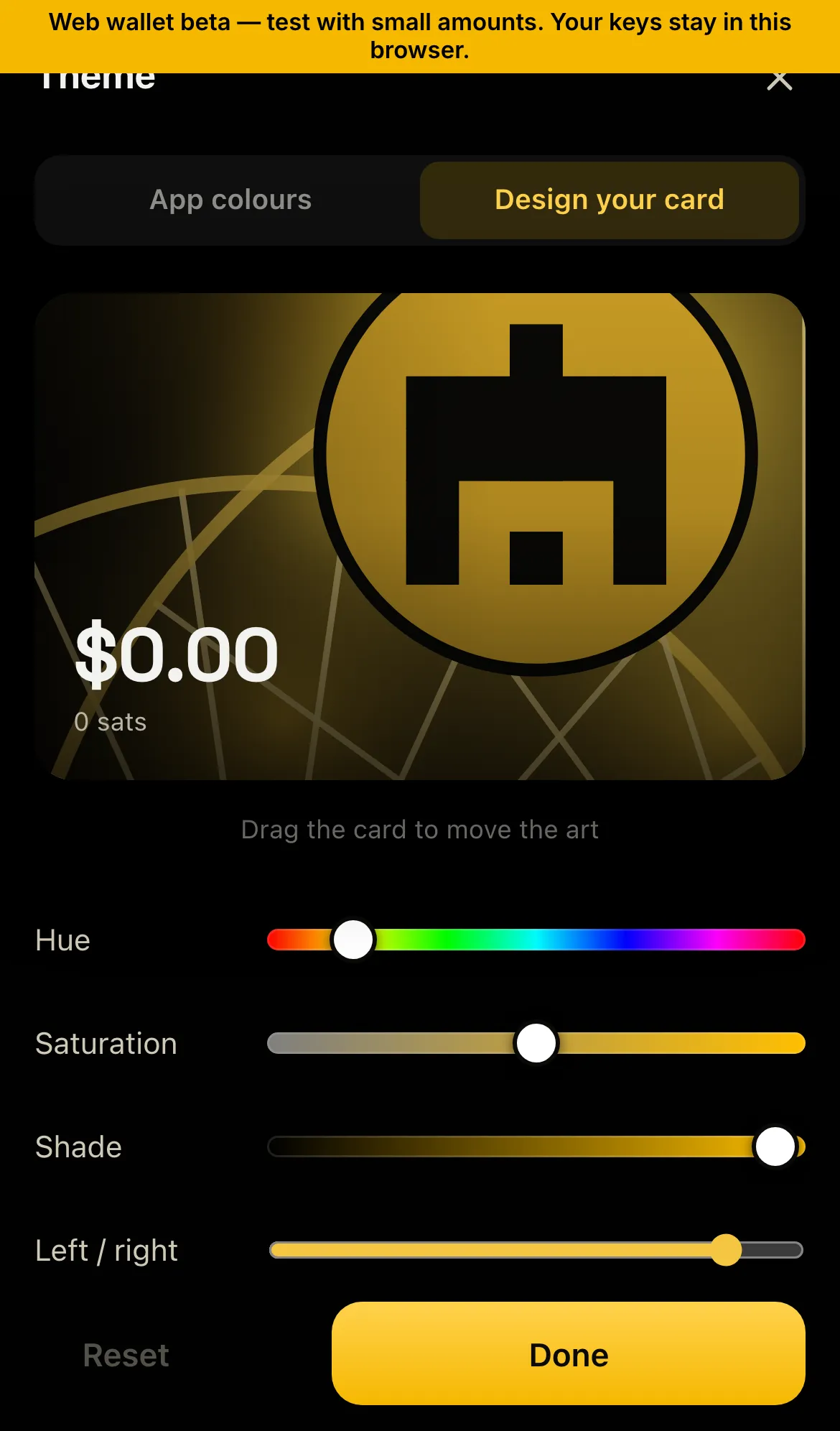
Section titled “Change your theme”Open Theme from your wallet card. Pick a pack (Mono, Duo, Tri), mix your own, or tap Shuffle or Surprise me. Themes you’ve bought appear under Your themes.
Buy a theme
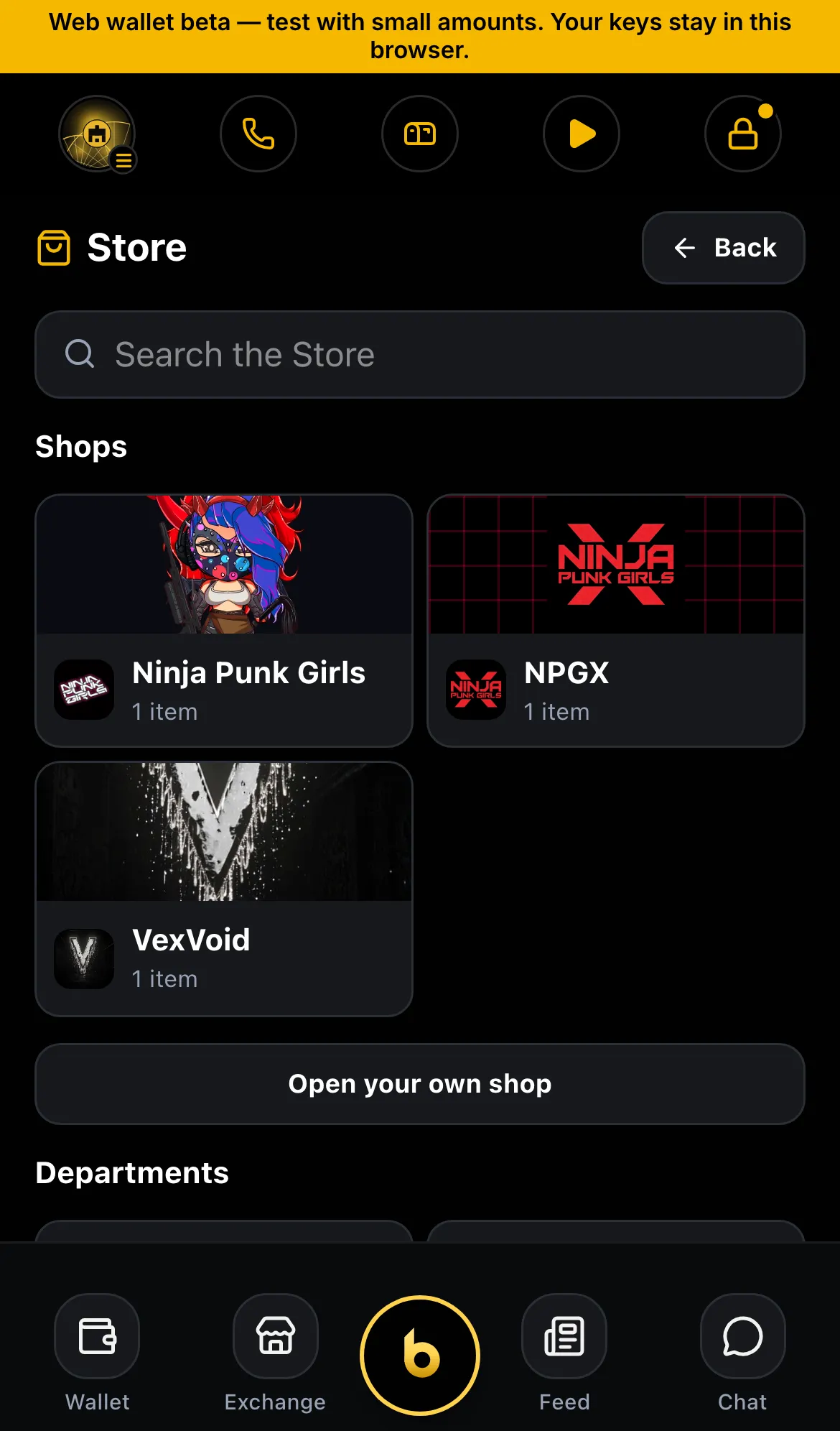
Section titled “Buy a theme”The Store sells themes made with artists: VexVoid, Ninja Punk Girls (NPG) and NPGX. Each costs $1, paid in BSV from your wallet with one approval. You can buy each theme once.
The $1 is the most it costs: the network fee fits inside it, so $1 in your wallet is enough.
Your receipt
Section titled “Your receipt”Every Store purchase comes with a receipt:
- A “You own it!” screen, with Apply now.
- A receipt NFT in your wallet’s NFTs. It’s a card with the shop’s own art, showing what you bought, the price in $ and sats, the date and an order reference. It’s minted in the same transaction as the payment.
- Open the receipt to see Verified receipt ✓: the Store’s signature, its published key, the payment and the order all check out. On a theme receipt, tap Use the … theme to switch to it.
- Your history shows the payment as Theme purchase · ….
Developers can check a receipt themselves: Store receipts.
Status
Section titled “Status”- ✓ Theme packs and mixer
- ✓ $1 themes in the Store (VexVoid, NPG, NPGX)
- ✓ $1 includes the network fee (server)
- ◻ “You own it!” screen, receipt NFT, Verified receipt ✓ (next release)
- ◻ Use a theme from its receipt; “Your themes” first in Theme (next release)
- ◻ Receipts for purchases made before receipts existed
- ◻ Shops uploading their own receipt art