
Editions and devices
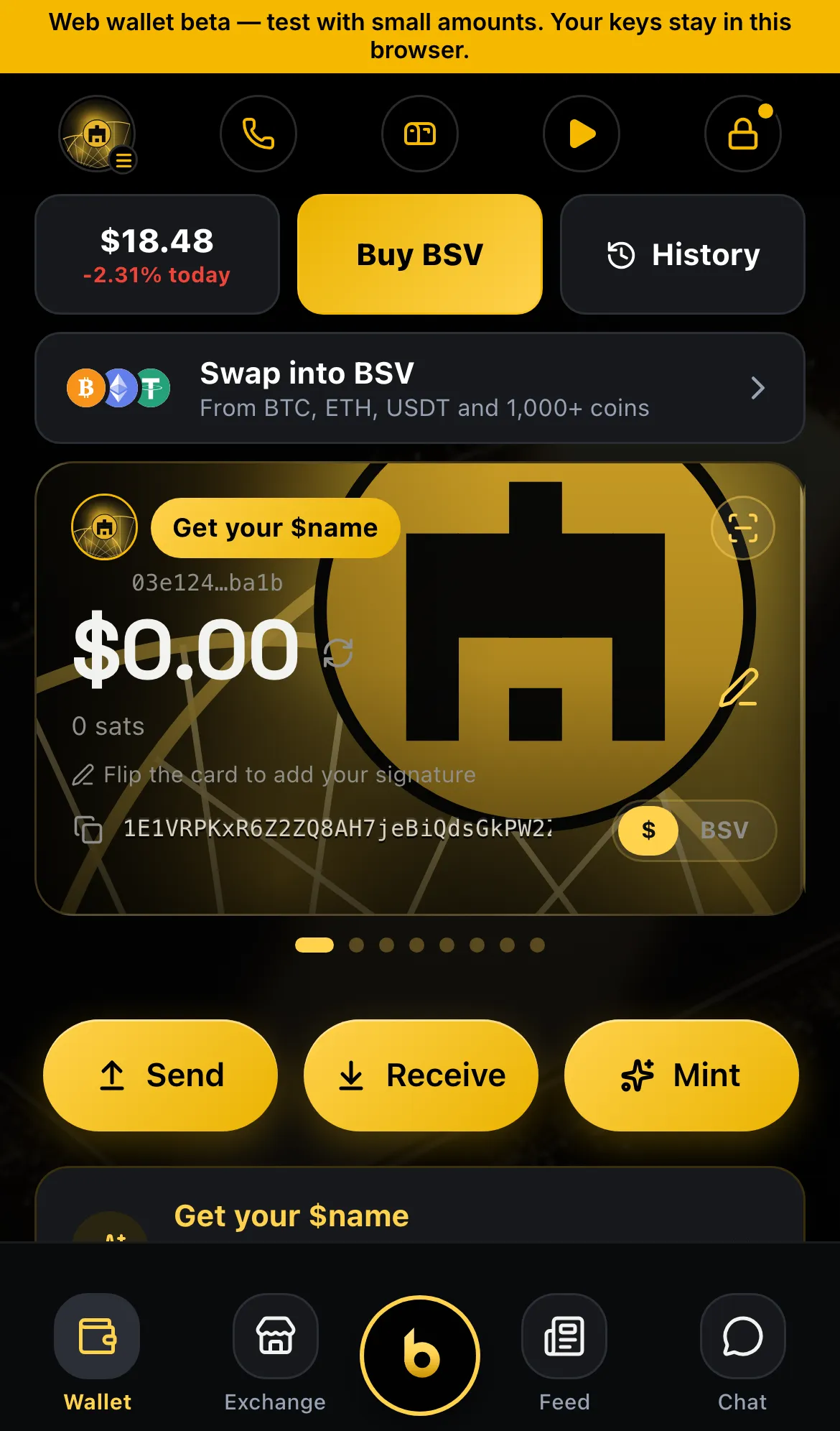
bWalletX is one wallet that runs in several places. Your money lives on the chain at your keys, so every edition shows the same balances once it holds the same keys.
The editions
Section titled “The editions”| Edition | Where to get it | Good for |
|---|---|---|
| bWalletX for iPhone | TestFlight and the private download on bwalletx.com | Everyday use, Face ID |
| bWalletX for Android | Direct APK from bwalletx.com | Everyday use, fingerprint |
| bWallet (store edition) | App Store and Google Play | A simpler wallet that follows store rules |
| Web wallet | web.bwalletx.com | Any computer, no install |
| Chrome extension | bwalletx.com › Extension | Paying and signing on websites |
| Desktop layout | web.bwalletx.com on a wide screen | A full overview with panels side by side |
bWalletX and bWallet
Section titled “bWalletX and bWallet”Most people meet us through bWallet, the edition in the App Store and Google Play. Store rules limit what a wallet in those stores may do, so bWallet leaves some things out:
- No Market buying, selling or listing. You can still browse.
- No bonding-curve coins, Launchpad or TokenBlaster links.
- No Get BSV sheet (third-party card purchases).
- No Spaces, paid calls, airdrops to holders or bPositive.
- Ask b runs on your own AI key.
- Holding a token never unlocks app features.
Sending, receiving, tips, names, NFTs, locks and chat work the same in both. bWalletX has everything.
Both apps use the same keys. You can restore the same 12 words into each, and they show the same money.
Install the Chrome extension
Section titled “Install the Chrome extension”- Download the zip from bwalletx.com › Extension and unzip it.
- Open
chrome://extensionsand switch on Developer mode. - Click Load unpacked and choose the unzipped folder.
- Pin bWalletX to the toolbar.
Updating the extension: put the new files into the same folder and press the reload arrow on the bWalletX card. Never click Remove. Removing an unpacked extension deletes the wallet stored in Chrome. If you ever need to remove it, make a backup first (Back up and restore).
Web and desktop
Section titled “Web and desktop”The web wallet keeps your keys in this browser. On a narrow window it looks like the app. On a wide screen it opens the desktop layout, with your wallet, history and apps side by side.
If you clear this browser’s site data, the wallet goes with it. Keep your recovery words safe.
Moving between devices
Section titled “Moving between devices”Restore your 12 words on the new device (Back up and restore). Coins and tokens appear once the wallet has synced. Settings that live only on a device, such as your theme and bookmarks, start fresh.
Status
Section titled “Status”- ✓ Live: iPhone (TestFlight and private build), Android APK, web, Chrome extension
- ✓ Live: bWallet in the App Store and Google Play, with the store limits above
- ✓ Live: desktop layout on wide screens
- ◻ Coming: an installable desktop app