
Get started
bWalletX is a non-custodial wallet for Bitcoin SV. Your keys are made on your device and stay there. We can’t move your money.
Editions
Section titled “Editions”| Edition | Where | Notes |
|---|---|---|
| Web app | web.bwalletx.com | Runs in your browser. |
| Chrome and Brave extension | bwalletx.com/extension | The full wallet in the side panel, and a wallet websites can connect to. Installed by hand for now (it isn’t on the Chrome Web Store yet). |
| Android | bwalletx.com/android | Direct APK download. |
| iPhone | bwalletx.com/iphone | |
| bWallet | App Store and Google Play | The store edition. Same wallet, fewer features. |
| CLI and MCP server | bwalletx.com/cli | For scripts and AI agents. |
Install the extension
Section titled “Install the extension”- Download the zip from bwalletx.com/extension and unzip it.
- Open
chrome://extensions(orbrave://extensions). - Turn on Developer mode (top right).
- Click Load unpacked and choose the unzipped folder.
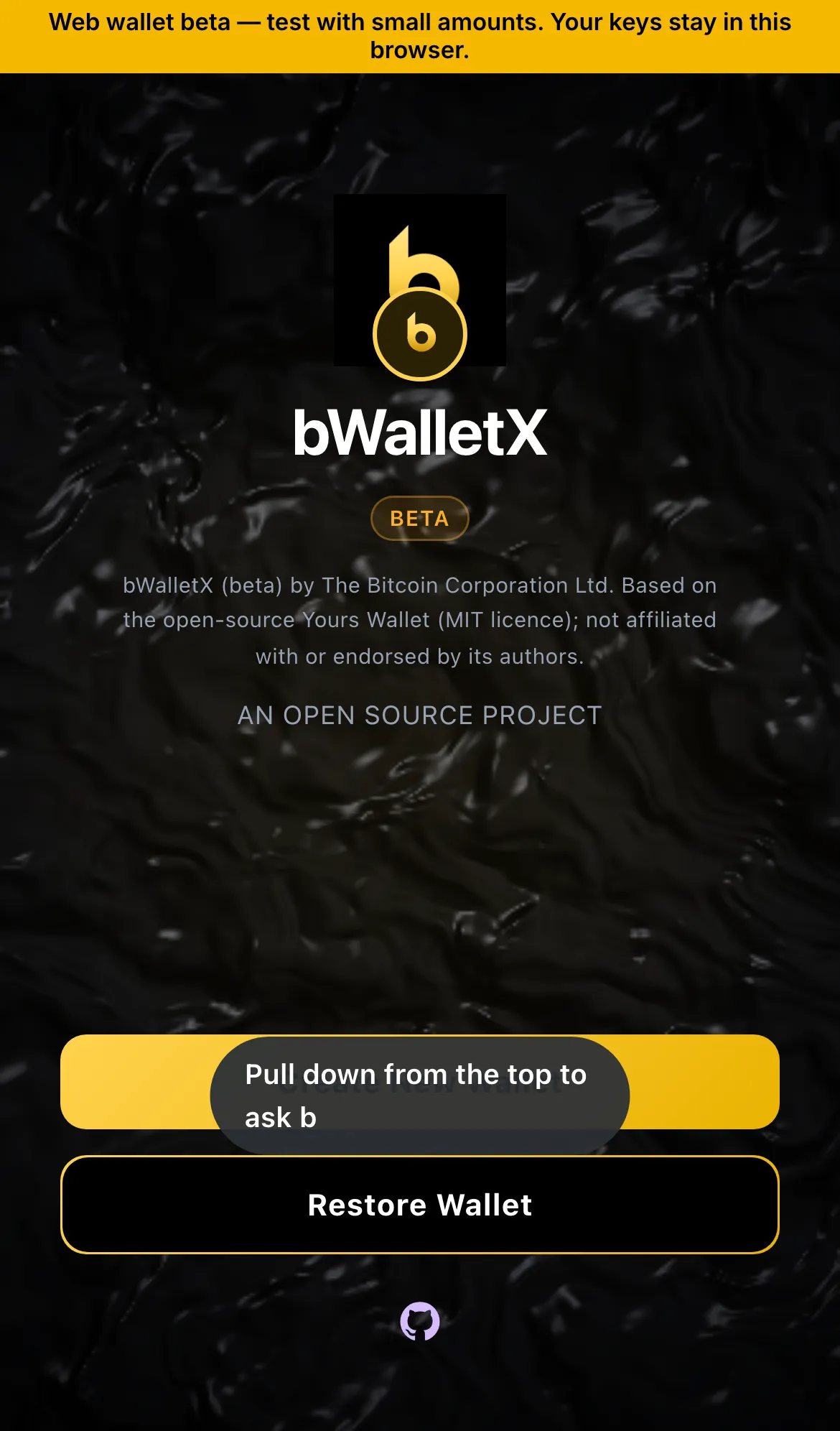
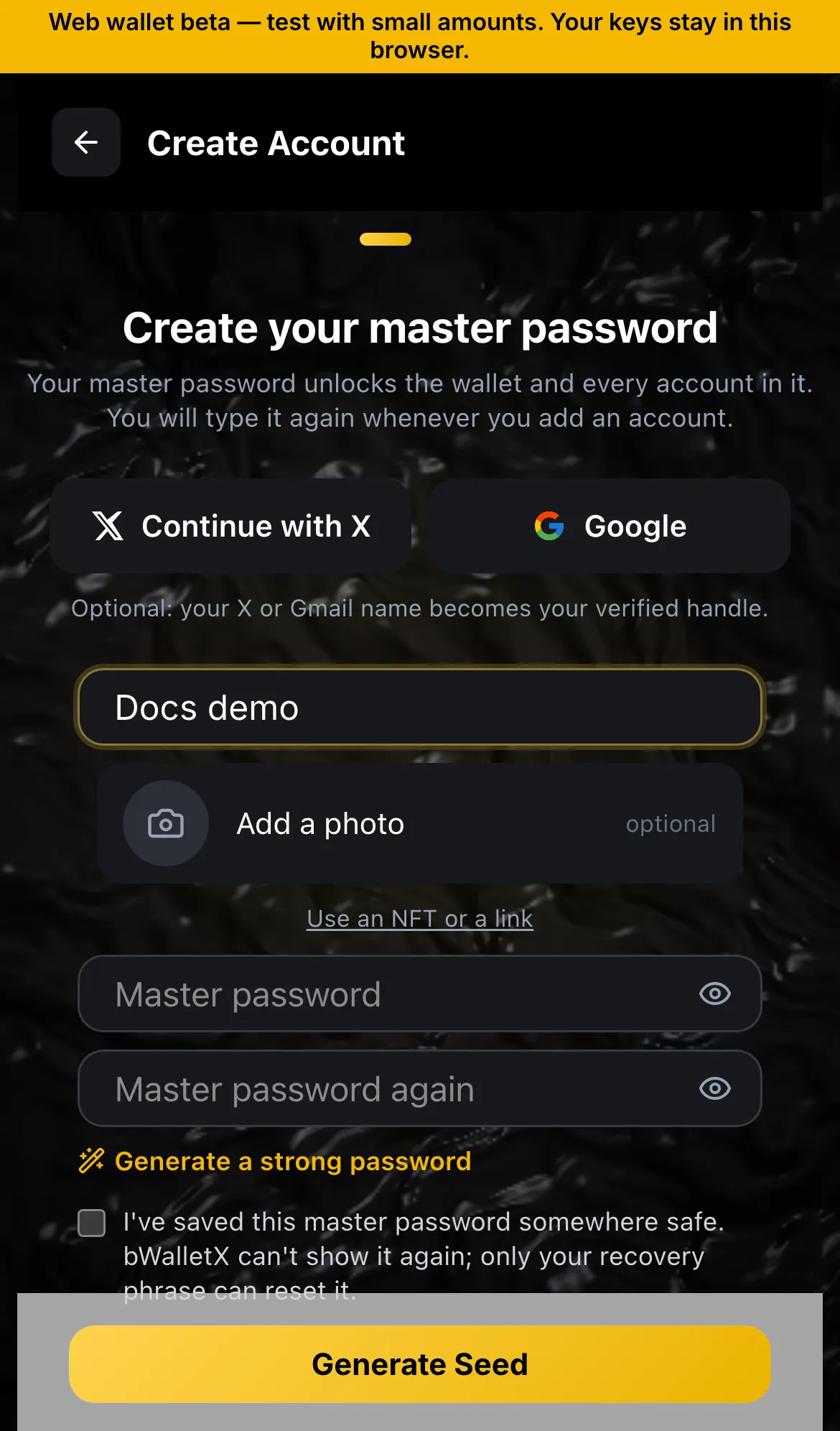
- Pin bWalletX, open it, and create or restore your wallet.
First steps
Section titled “First steps”- Create a wallet and write down your recovery words (Back up and restore).
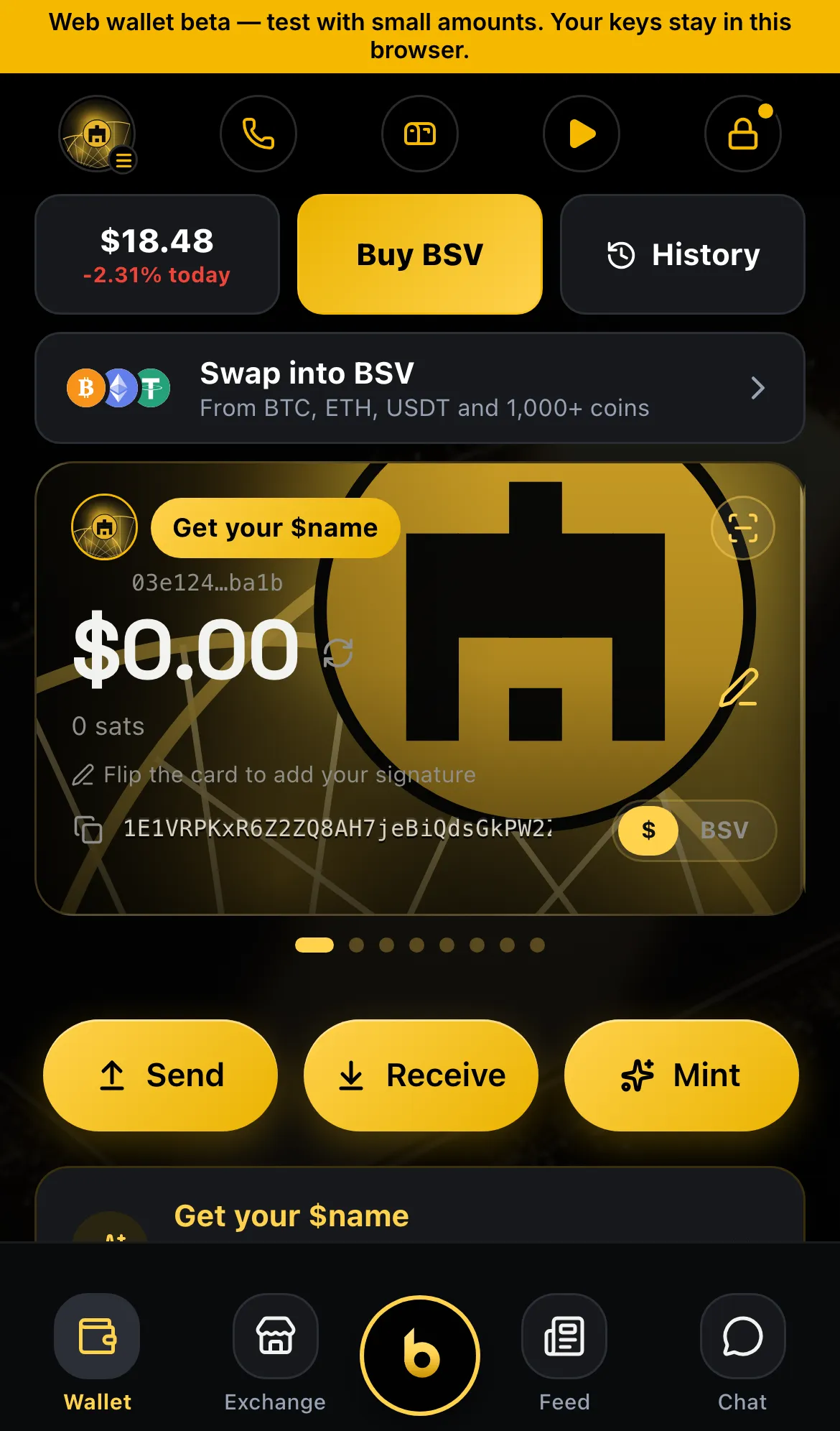
- Pick a name, so people can pay
$you(Names). - Receive a little BSV and try a small send (Send and receive).
Status
Section titled “Status”- ✓ Web, extension, Android, iPhone, CLI
- ✓ bWallet, the store edition
- ◻ Extension on the Chrome Web Store